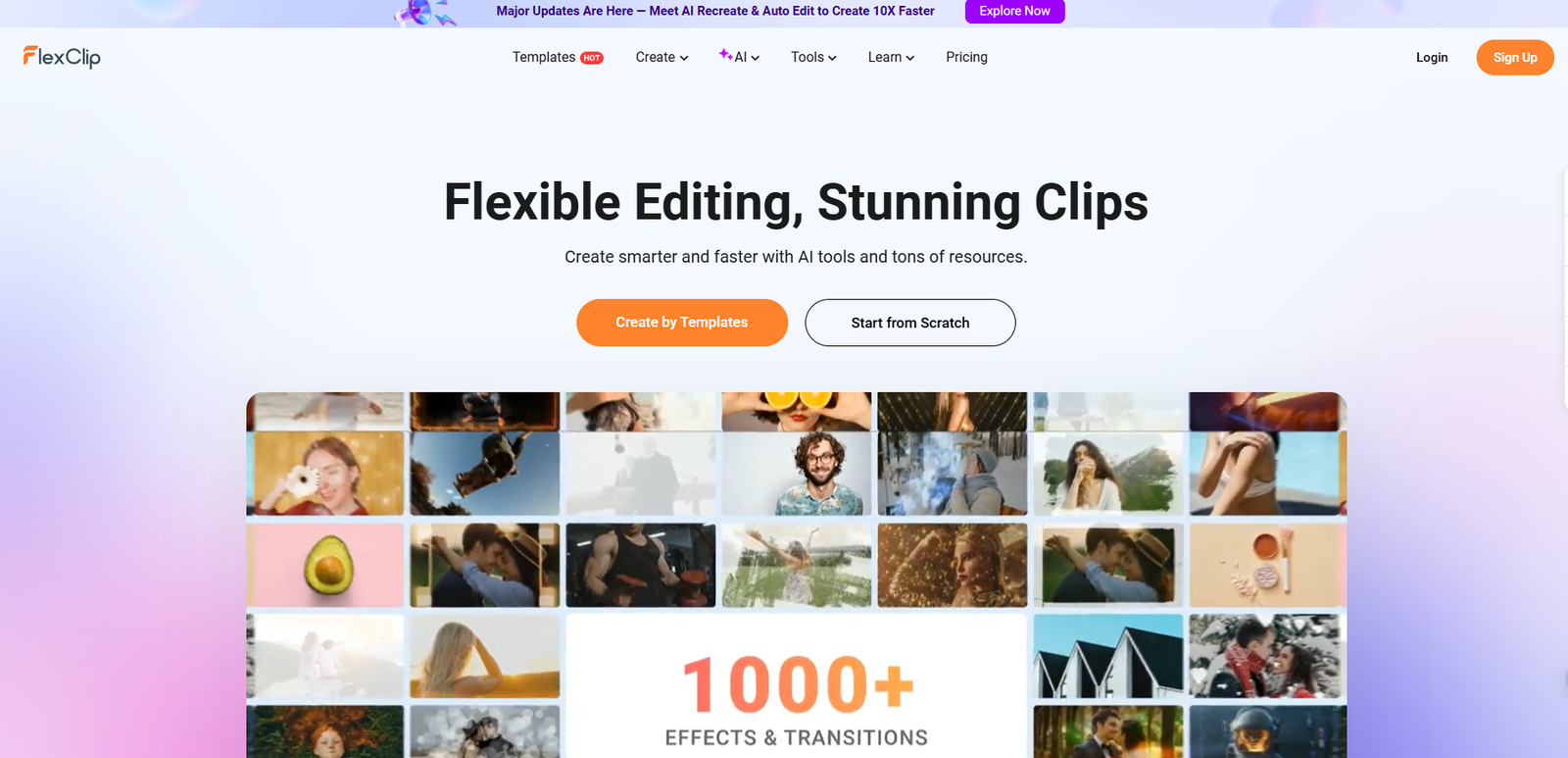
In today’s content-driven digital landscape, video has become the cornerstone of effective communication. Whether you’re a small business owner, content creator, educator, or marketer, the ability to produce professional-quality videos quickly and efficiently can set you apart. This is where FlexClip enters the picture—a cloud-first video editing platform built around a browser-based editor, with optional desktop-app access for users who prefer a more traditional application-style workflow—designed to make video creation accessible to everyone, regardless of technical expertise.
Understanding FlexClip’s Core Proposition
FlexClip is an online video editing platform that focuses on simplifying the video creation process. Unlike traditional desktop editing software that typically demands heavy local installs and hardware, FlexClip is primarily browser-based, so you can start editing quickly from almost any modern computer. FlexClip also offers desktop-app access, which can feel more like a dedicated app for those who prefer desktop application workflow.
The platform caters to a diverse audience—from complete beginners making their first video to experienced creators looking for faster workflows. What makes FlexClip particularly noteworthy in 2025 is its integration of artificial intelligence throughout the editing process, transforming what used to take hours into tasks that can be completed in minutes.
The Cloud-Based Advantage
Working in a cloud-first workflow offers several practical benefits that traditional software can’t match:
Accessibility: Your projects are stored online and accessible from any device. Start editing on your desktop at work, make quick adjustments on your tablet during commute, and finalize from your home computer—all without file transfers or version conflicts.
Collaboration: Teams can share projects instantly, making it easier for multiple people to contribute to video content. This is particularly valuable for agencies, marketing teams, and distributed organizations.
No Technical Barriers: There’s far less to worry about with system requirements and storage compared to heavyweight editors. Most of the experience runs in the browser, and even when you use a desktop-style version, the workflow is still designed to stay simple and cloud-friendly. As long as you have a stable internet connection and a modern browser, you’re ready to create.
Automatic Saving: Your work is continuously saved to the cloud, eliminating the risk of losing hours of editing due to software crashes or power outages.
AI-Powered Features That Transform Workflows
FlexClip’s artificial intelligence capabilities represent a significant shift in how videos are created. These aren’t superficial add-ons but fundamental tools that handle complex tasks with minimal input.
Text-to-Video Conversion
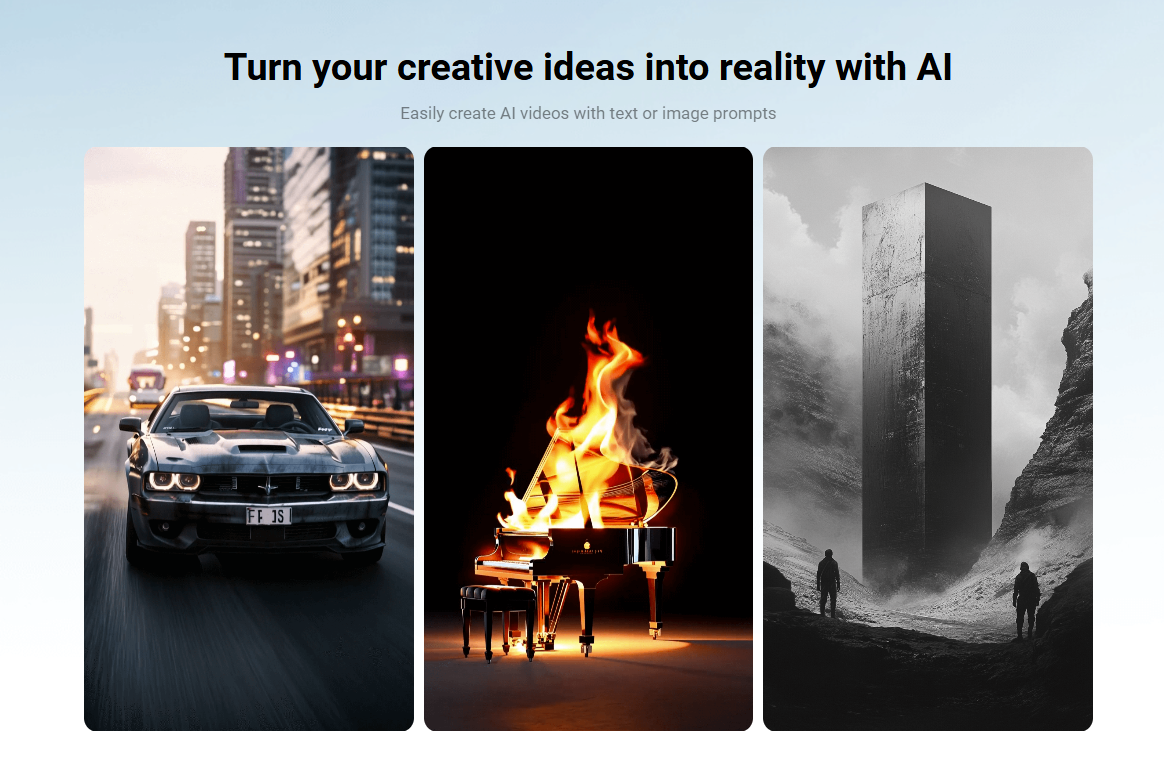
One of FlexClip’s standout features is its ability to transform written content into complete videos. The process works in several ways:
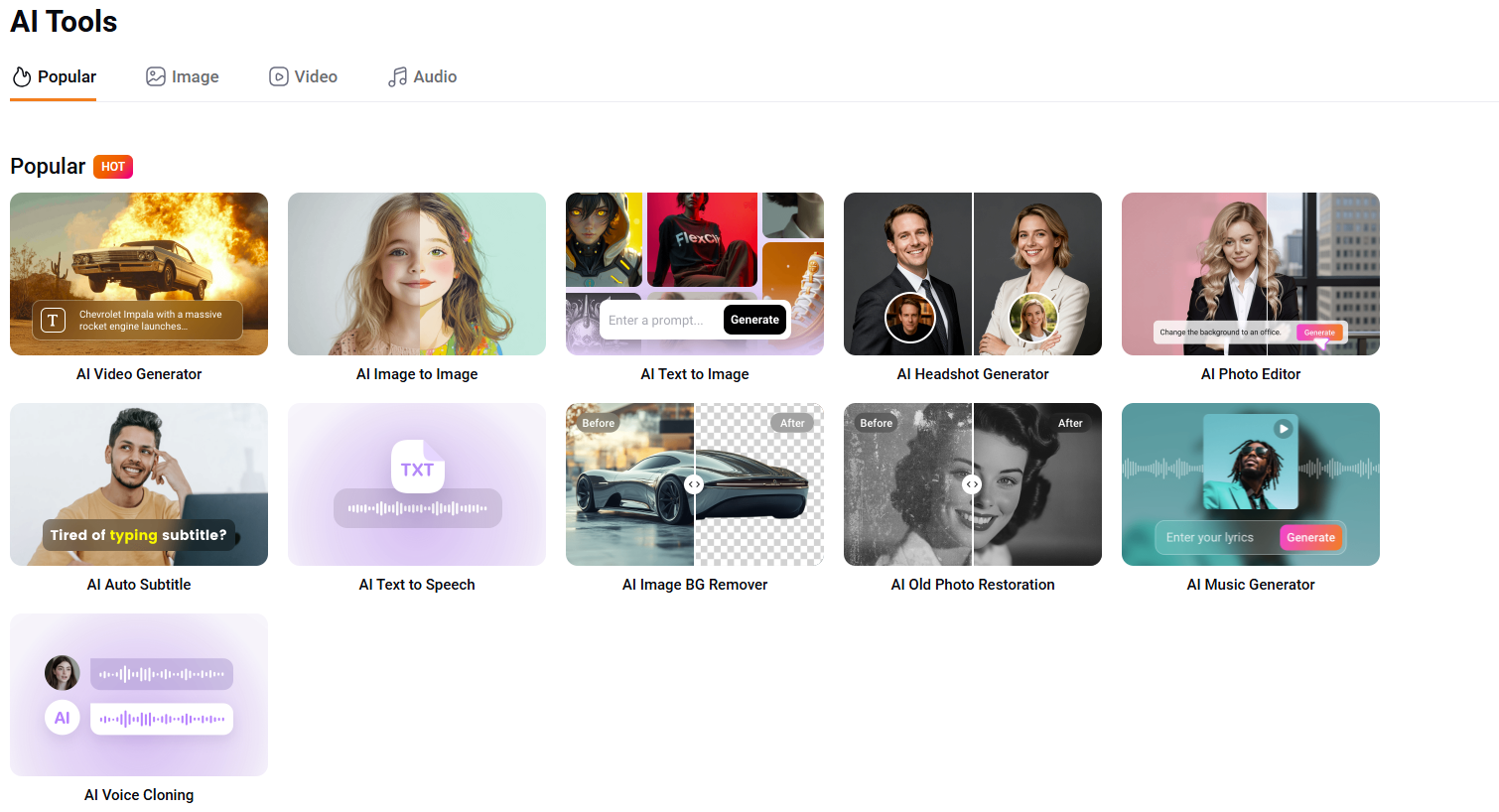
Script to Video: Input a written script, and the AI analyzes the content, breaks it into scenes, matches relevant stock footage and images, adds background music, generates voiceovers, and creates synchronized subtitles. What might traditionally take several hours of manual editing can be accomplished in minutes.
Blog to Video: Simply paste a blog post URL, and FlexClip extracts the content and converts it into a video format. This is particularly useful for repurposing existing written content for platforms like YouTube, TikTok, or Instagram.
AI Script Generator: If you’re starting from scratch, FlexClip’s ChatGPT integration can generate complete video scripts based on simple prompts. Specify your topic, target duration, and tone, and receive a structured script ready for conversion.
AI Video Magic: Auto Edit and AI Recreate
In early 2025, FlexClip introduced two groundbreaking features that represent the next evolution in AI-assisted editing:
Auto Edit analyzes raw footage uploaded by users, automatically detecting highlight moments, dialogue, and natural transition points. It then assembles these elements into a polished video complete with cuts, transitions, captions, and background music. This is ideal for creators who shoot content but want to minimize time spent on technical editing.
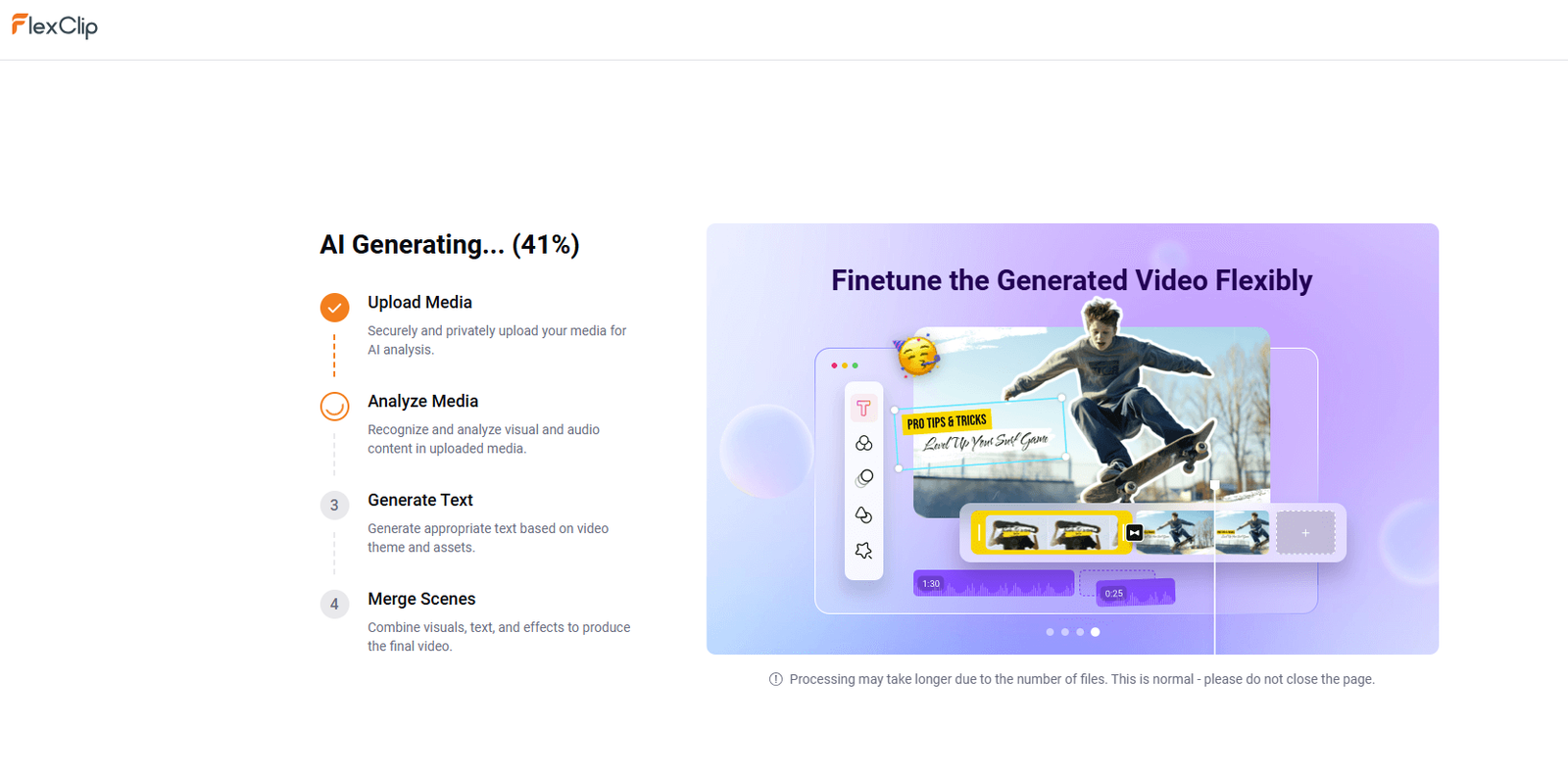
AI Recreate takes existing videos and generates new versions with different styles, pacing, and visual tones. This feature is invaluable for marketers who need multiple variations of content for A/B testing or for adapting videos to different platforms and audiences.
Advanced AI Video Generation
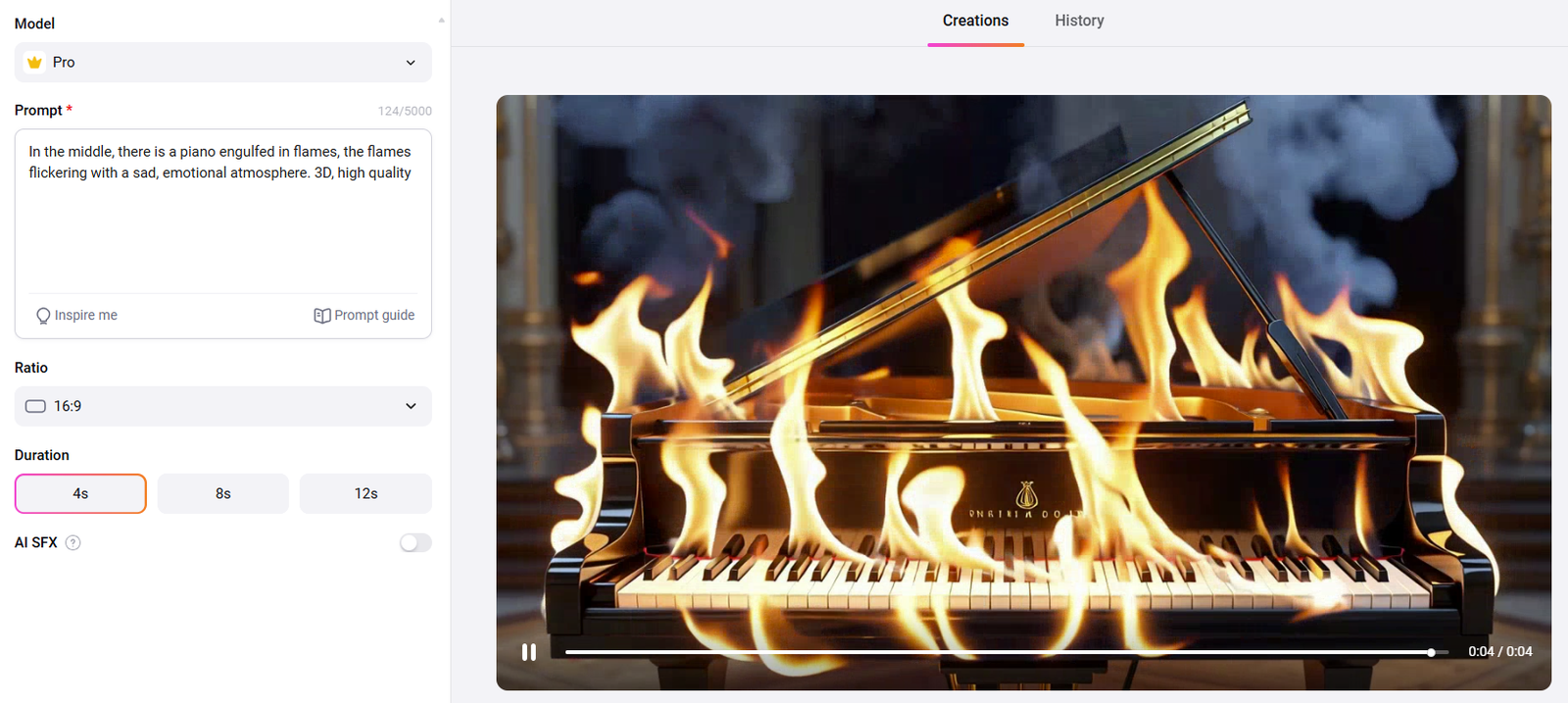
FlexClip has integrated multiple state-of-the-art AI models including Hailuo, Kling, and Google Veo 3, allowing users to generate video clips from text descriptions or animate still images. Users can control movement, camera angles, scene settings, and visual style through text prompts, enabling the creation of content that would traditionally require filming or complex animation.
Intelligent Audio Tools
AI Text-to-Speech: Convert written text into natural-sounding voiceovers in over 140 languages. With more than 400 voice options spanning different genders, ages, and emotional tones, users can create narration that sounds genuinely human. Controls for pitch, speed, and pauses add further customization.
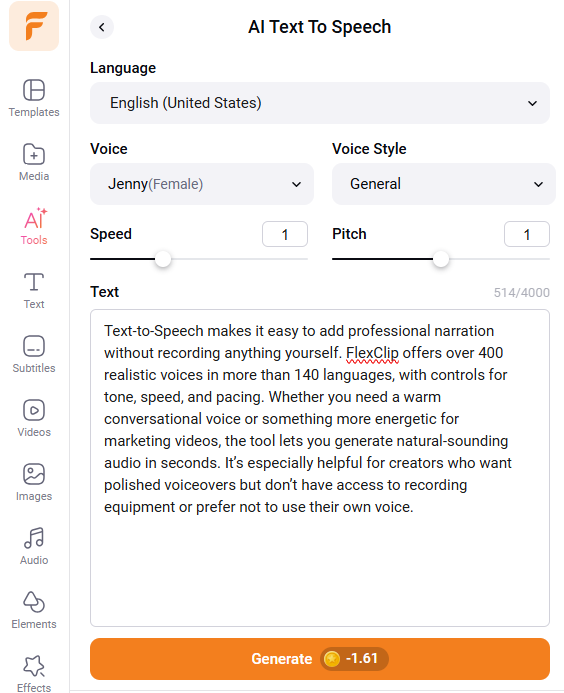
Background Noise Removal: Clean up audio recordings with a single click. This is particularly valuable for interviews, podcasts, or voiceovers recorded in less-than-ideal environments.
AI Music and Sound Effects: The platform can generate background music and suggest appropriate sound effects based on video content, ensuring audio complements the visual narrative.
Visual Enhancement Tools
AI Image Generation: Create custom images from text descriptions to serve as scenes, backgrounds, or supplementary visuals. Multiple style options include realistic photography, illustrations, cartoons, and artistic renderings.
AI Image-to-Image Transformation: Modify existing images with stylistic changes or creative effects, useful for maintaining visual consistency across a project.
Old Photo Restoration: Breathe new life into aged photographs, making them suitable for inclusion in modern video content.
AI Face Swap: Experiment with character changes in videos, useful for creative projects or privacy protection.
Comprehensive Editing Features
Beyond AI capabilities, FlexClip provides a complete suite of traditional editing tools:
Timeline and Media Management
The platform uses a straightforward timeline interface where users can drag and drop video clips, images, audio tracks, and text elements. While FlexClip currently supports a single video track (which may limit some complex multi-layer compositions), this design choice actually simplifies the editing experience for most users.
Text and Typography
Add text overlays with extensive customization options including fonts, colors, sizes, animations, and effects. Text masks allow for creative reveals and emphasis. Pre-designed text animations help create professional-looking titles, captions, and calls-to-action without design expertise.
Transitions and Effects
Choose from over 200 transition styles to connect scenes smoothly. Apply filters, adjust color grading (brightness, contrast, saturation, vignette, shadows, tint), and add special effects to enhance visual appeal.
Audio Editing
FlexClip provides tools to trim, split, and adjust audio levels. Users can add background music, sound effects, or voiceovers, with precise control over timing and volume. The vocal remover tool can isolate or eliminate vocals from music tracks.
Speed Control
Adjust playback speed to create slow-motion effects or time-lapses, adding dynamic pacing to videos.
Extensive Content Library
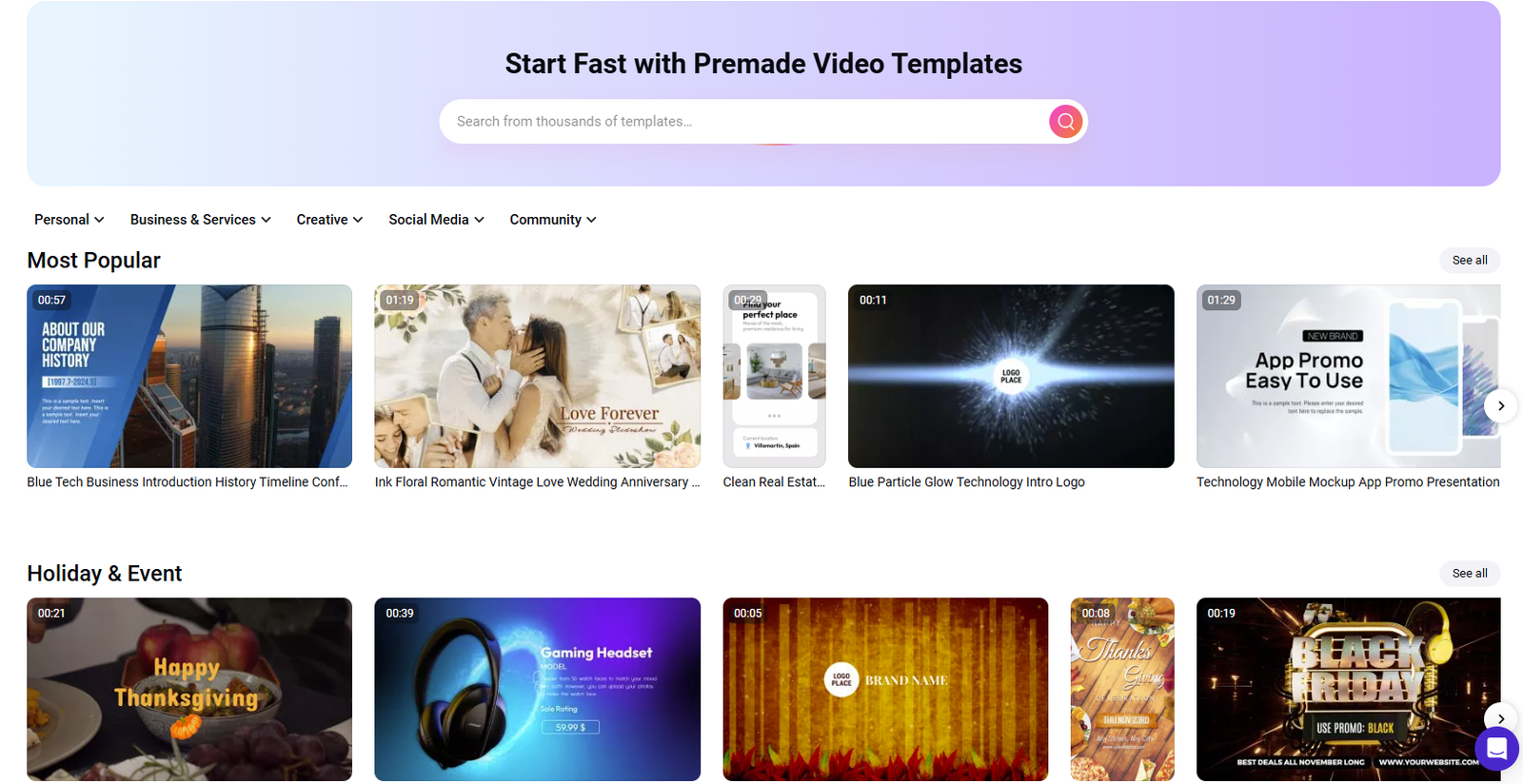
Creating videos from scratch requires media assets—footage, images, music, and sound effects. FlexClip addresses this through its expansive royalty-free library:
Stock Videos: Millions of high-quality video clips covering virtually every subject imaginable, searchable by keyword or browsable by category.
Stock Images: An equally vast collection of photographs suitable for various video types.
Music and Audio: Over 74,000 royalty-free music tracks and sound effects spanning different genres, moods, and styles. This eliminates copyright concerns while providing professional audio elements.
Templates: Thousands of pre-designed video templates for specific purposes—YouTube intros and outros, promotional videos, social media posts, presentations, wedding montages, real estate listings, and more. Each template is fully customizable, serving as a starting point that users can adapt to their needs.
Platform Accessibility and Export Options
User Interface
FlexClip’s interface prioritizes simplicity without sacrificing functionality. The learning curve is minimal—most users can navigate the platform and create their first video within minutes. The drag-and-drop system feels intuitive, and tools are organized logically.
The canvas zoom range (10% to 400%) allows precise control over layout and element positioning, helpful when working with detailed compositions.
Export and Sharing
Videos can be exported in multiple resolutions:
- 720p HD (available on free plan)
- 1080p Full HD (Plus plan and above)
- 4K Ultra HD (Business plan)
Multiple aspect ratios accommodate different platforms:
- 16:9 (YouTube, Facebook, websites)
- 9:16 (Instagram Stories, TikTok, Reels)
- 1:1 (Square format for various social platforms)
Direct sharing to social media platforms streamlines the publishing process, eliminating the need to download and manually upload files.
Pricing Structure
👉 View FlexClip’s latest pricing and plan details here:
https://www.flexclip.com/pricing.html
Use Cases Across Industries
FlexClip’s versatility makes it valuable across various contexts:
Marketing and Advertising
Create promotional videos, product demonstrations, testimonial compilations, and advertisement content. The ability to rapidly produce multiple versions of marketing materials supports A/B testing and multi-platform campaigns.
Social Media Content
Generate engaging content for Instagram, TikTok, YouTube, Facebook, and LinkedIn. The platform’s aspect ratio options and export formats are optimized for each platform’s requirements.
Education and Training
Develop educational videos, tutorials, course content, and training materials. The screen recording capability (accessed through the platform’s tools) allows for software demonstrations and walkthroughs.
E-commerce
Produce product showcase videos, unboxing content, and customer testimonial compilations that can increase conversion rates and customer engagement.
Personal Projects
Create family slideshows, event montages, birthday messages, and travel videos with professional polish.
Understanding the Limitations
While FlexClip excels in many areas, it’s important to understand where it sets boundaries:
Single Video Track: The platform currently supports only one video track in the timeline. This means complex multi-layer compositions or picture-in-picture effects are limited. For many users creating straightforward content, this isn’t restrictive, but professional editors requiring advanced compositing capabilities may find this limiting.
Internet Dependency: Being cloud-based, FlexClip requires a stable internet connection. Slow connections can affect performance, particularly when working with high-resolution footage.
Export Speeds: Some users report that export times can be longer compared to desktop software, particularly for longer videos or higher resolutions. This is an inherent trade-off of cloud processing.
Advanced Control: While FlexClip offers substantial features, it doesn’t provide the granular control found in professional-grade software like Adobe Premiere Pro or DaVinci Resolve. The platform is designed for speed and accessibility rather than frame-by-frame precision editing.
Who Benefits Most from FlexClip?
FlexClip is ideally suited for:
- Small Business Owners who need marketing videos but lack dedicated video production staff or budgets
- Social Media Managers requiring consistent content output across multiple platforms
- Content Creators starting their video journey without technical editing experience
- Educators developing course materials and instructional content
- Marketing Teams in small to medium agencies producing client content efficiently
- Entrepreneurs building personal brands through video content
- Nonprofit Organizations creating awareness and fundraising materials on limited budgets
It’s less ideal for professional filmmakers, commercial production houses, or editors who require advanced multi-cam editing, complex color grading, or detailed audio mixing capabilities.
Getting Started with FlexClip
Beginning your journey with FlexClip is straightforward:
- Create an Account: Visit FlexClip.com and sign up using your email. No credit card is required for the free plan.
- Choose Your Approach: Decide whether to start from a blank canvas, use a template, or leverage AI generation tools.
- Build Your Video: Add media from your computer or FlexClip’s library, arrange elements on the timeline, and apply edits, effects, and transitions.
- Enhance with AI: Utilize text-to-speech for narration, generate subtitles automatically, or let AI suggest improvements.
- Export and Share: Select your desired resolution and aspect ratio, then download or share directly to social platforms.
Our Experience: A Calgary Agency’s Perspective
At Locusolve, our Calgary-based web design and digital marketing agency, we’ve worked with countless tools and platforms to help our clients establish their digital presence. When we had the opportunity to thoroughly test FlexClip, we approached it with the same critical eye we apply to all technologies we evaluate for client projects.
Over several weeks, our team put FlexClip through extensive testing—creating marketing videos, social media content, product demonstrations, and educational materials. We explored everything from the AI text-to-video generators to the manual editing features, tested the platform across different use cases, and measured it against the practical needs of the small and medium-sized businesses we serve.
What We Found
The platform delivers on its core promise: making video creation accessible without sacrificing quality. The AI features aren’t merely marketing buzzwords—they genuinely accelerate production timelines. Projects that would traditionally require hours of editing were completed in 30-45 minutes, and the output quality exceeded our expectations for a browser-based editor.
The text-to-video functionality proved particularly valuable. We converted blog posts into video content for several client campaigns, and the automatic scene matching, voiceover generation, and subtitle creation eliminated the most time-consuming aspects of video production. For agencies managing multiple clients with varying video needs, this efficiency translates directly to profitability and faster campaign launches.
The learning curve is genuinely minimal. Team members with zero video editing experience were creating professional-looking content within their first session. This accessibility matters—it means businesses can produce video content internally without dedicating budget to specialized personnel or extensive training.
Where It Fits in Your Toolkit
From a professional agency standpoint, FlexClip occupies a specific and valuable niche. It won’t replace Adobe Premiere Pro for complex commercial productions or high-end corporate videos requiring intricate multi-layer editing. However, for the vast majority of business video needs—social media content, promotional materials, product showcases, educational videos, and marketing campaigns—it’s more than capable.
The platform shines brightest when speed, consistency, and volume matter. If you need to produce regular content across multiple platforms, maintain brand consistency with templates, or enable non-technical team members to contribute to video production, FlexClip solves these challenges elegantly.
The Verdict from Locusolve
After our comprehensive testing, we’re comfortable recommending FlexClip to businesses and creators who prioritize efficiency and accessibility over granular control. The pricing structure is fair—particularly the Plus plan at $9.99/month when billed annually—and the continuous addition of AI features suggests the platform will grow more capable over time.
For our clients in Calgary and beyond who frequently ask us about affordable video solutions, FlexClip now sits among our recommended tools. It’s particularly well-suited for startups, small businesses, solopreneurs, and marketing teams who need professional video output without professional-grade budgets or expertise.
The platform positions itself at the intersection of power and accessibility, and in our experience, it succeeds. The AI features genuinely accelerate workflows, the template library provides strong creative starting points, and the cloud-first setup means you can work from anywhere, and if you prefer an app-like workflow, a desktop-style option can make it feel closer to a dedicated editor while still keeping projects easy to access—something increasingly important in today’s distributed work environments.
Whether you’re producing your first marketing video, building a consistent social media presence, or looking to scale your video content production, FlexClip provides the tools to transform concepts into finished videos with impressive results relative to the effort required.
At Locusolve, we’re committed to helping businesses navigate the digital landscape with tools that work. Based on our thorough evaluation, FlexClip earns its place as a legitimate solution for video creation in 2025—accessible enough for beginners, powerful enough for consistent professional use, and priced appropriately for businesses at various stages of growth.