
Free website tool / Canada
Generate Local Business Schema without writing code.
Enter your business details and generate structured data for your website. Preview your JSON-LD, check for missing information and copy the code when you’re ready.
Your JSON-LD
These checks follow Schema.org and Google’s published guidance. To confirm, paste the code into the Schema.org Validator or, once it is on your page, test the page in Google’s Rich Results Test. Valid markup does not guarantee that Google shows any special result.
The basics
What LocalBusiness schema is.
-
A description search engines can read
LocalBusiness schema is a short, structured description of your business, written in the shared Schema.org vocabulary: your name, type, address or service area, phone, hours and links. Search engines read it alongside your page to understand who you are.
-
How JSON-LD works
JSON-LD is the format Google recommends for this. It is a small block of code inside a script tag on your page. Visitors do not see it; it simply restates facts that are already on the page in a form machines can read.
-
What it does and does not do
Correct markup helps search engines understand your business. It does not by itself improve rankings, and valid markup does not guarantee that Google shows any special result.
Filling in the details
Choices that matter.
-
Choosing a business type
Pick the most specific type that is true: Plumber rather than Home and construction business, Dentist rather than Medical business. Google recommends the most specific type. If none fits, Local business is fine. The list only offers real Schema.org types.
-
Storefront or service area
If customers visit you, include your full street address. If you travel to customers and do not see them at your address, leave the street out and list the areas you serve instead. Never add an address customers cannot visit.
-
Which details to include
Name, type, website and how customers reach you matter most. Add your phone with the country code, your hours, your logo and your real social profiles. Leave out anything you are unsure of; the generator never fills gaps for you.
Installing it
How to add schema to your website.
Add the markup once, on the page that represents your business, usually your home page or contact page. Do not paste the same LocalBusiness code into every page of your site.
On WordPress, check first whether your theme or an SEO plugin such as Yoast SEO, Rank Math or All in One SEO already outputs business or organization markup. Two different descriptions of the same business can contradict each other, so either use the plugin’s own settings or turn its version off before adding yours.
To add it yourself, place the script tag in the page’s HTML, for example through your theme’s header template, a code snippet tool your site already uses, or the page builder’s custom HTML block. Where it should go depends on how your site is built; your web developer can tell you the safest place.
Then test the live page with Google’s Rich Results Test and the Schema.org Validator, and check it again whenever your hours, address or phone number change.
Checking it
Validation and common errors.
-
Two different checks
The Schema.org Validator checks the markup is well formed and uses real types and properties. Google’s Rich Results Test checks whether a page can be used for Google’s own features, which have extra requirements, such as a street address for local business features.
-
Common errors
Website addresses without https://, phone numbers without a country code, hours with the same opening and closing time, a misspelled type, and an address that does not match the page. The generator checks for all of these.
-
Things never to add
Ratings or reviews you made up, coordinates you guessed, awards you do not have, or a business address customers cannot visit. Markup must describe the real business shown on the page.
FAQ · 6 questions
Questions about local business schema.
Have another question? Call 403-383-4306 or send us a message.
Not by itself. Structured data helps search engines understand your business; it is not a ranking boost, and Google decides whether to use it.
Only include a street address if customers can visit it. A service-area business can leave it out and list the areas it serves. The markup stays valid, though Google lists an address as required for its local business features.
Once, on the page that represents your business, usually the home page. Check first that your theme or SEO plugin does not already add business markup, so you do not end up with two conflicting versions.
Schema.org has deprecated the general ProfessionalService type. Choose a specific type such as Legal service, Accounting service or your trade, or Local business if nothing fits.
Not with this tool. Google only supports review markup for businesses that collect reviews about other businesses, and ratings must never be made up.
No. The generator runs entirely in your browser. Your details are not sent to Locusolve, stored or shared.
If you would like help
Structured data, set up properly.
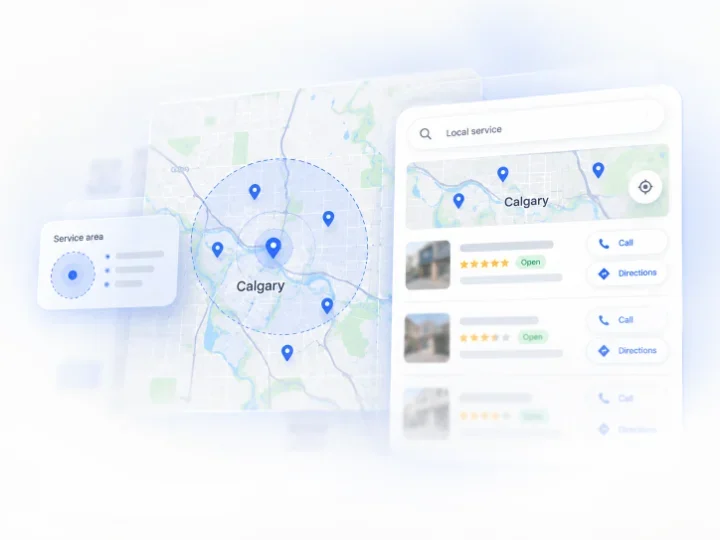
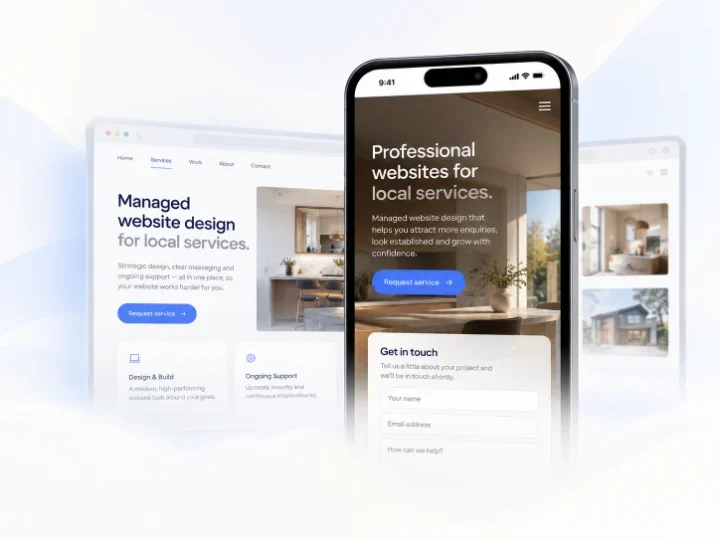
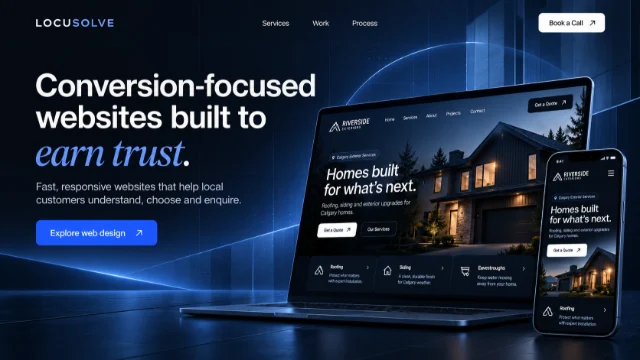
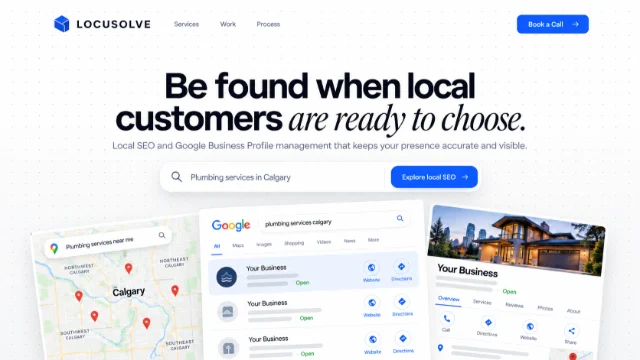
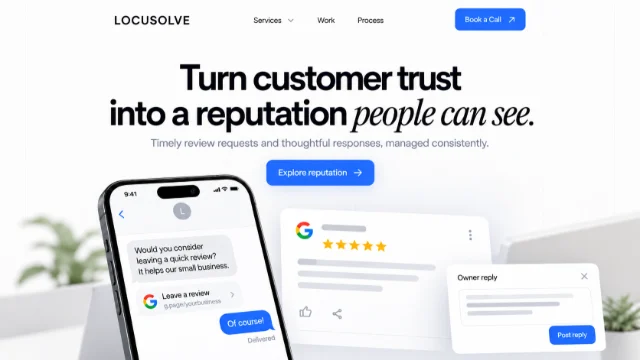
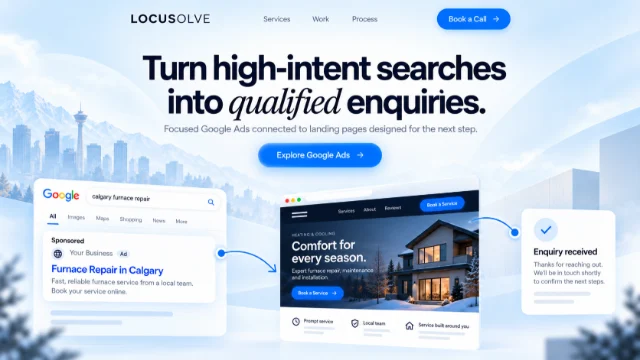
The generator is free to use on its own. If you would rather have structured data and the rest of your site’s local search basics handled for you, these are the services closest to it.
LOCUSOLVE
Not sure your site is set up right?
Book a free consultation and we will look at how your website describes your business to search engines, then suggest a sensible first step.