
Free website tool
See how your website looks on every screen.
Enter your website address and see it inside an iPhone, iPad and MacBook screen, laid out at each device’s real width. Check that text is readable, buttons are easy to tap and nothing spills off the edge.
What to look for
Signs a website isn’t ready for phones.
Most visitors to a local business website arrive on a phone. A page that was only checked on a computer often has small problems that make people give up and call someone else.
-
Sideways scrolling
The page is wider than the screen, so people have to drag left and right to read it. Usually an image, table or block with a fixed width.
-
Text that is too small
Visitors have to pinch to zoom before they can read anything. Body text should be comfortable to read without zooming.
-
Buttons too close together
Links and buttons squeezed side by side are easy to mistap. Your phone number and main button should be large and easy to reach.
-
Things covering the page
Pop-ups, chat bubbles and cookie banners can hide most of a small screen, including the button you want people to press.
-
Menus that don’t open
A menu that works with a mouse can fail on a touch screen. Check the phone layout has a clear menu button.
-
Layouts that break in landscape
Turn the phone or tablet sideways. Headers that take up half the screen, or images that crop badly, show up quickly here.
How it works
Your website, three screens.
The preview uses the screen width of each device, so your website switches to its phone, tablet or desktop layout just as it would on the real thing.
-
Step 1
Enter your address
Type your website address. We check it is a public website and whether it allows being shown inside another page.
-
Step 2
Pick a device
Switch between iPhone 18 Pro Max, iPad Pro 13-inch and MacBook Pro 14-inch, and turn the phone or tablet sideways.
-
Step 3
Look it over
Scroll and tap through your real website at that screen size. Some websites block being shown inside other pages; the checker tells you when that happens.
Good to know
What this preview can and can’t show.
-
It is a preview, not the device
Your website runs in your own browser at the device’s screen width, not on an actual iPhone, iPad or Mac. Fonts, scrolling and some effects can look slightly different on the real thing.
-
Screen sizes are worked out
Apple publishes each screen in physical pixels (for example 2868 × 1320 for the iPhone 18 Pro Max). The page sizes used here are worked out from those figures; Apple does not publish them, and the status and browser bars are drawn approximately.
-
Some websites block framing
Many websites, including large ones, tell browsers not to show them inside other pages. That is a security setting, not a mobile problem, and we respect it. Open those websites on a phone or tablet to check them.
-
Your own website loads fresh
The preview loads your website each time, so after you change it, press Reload to see the update.
FAQ · 6 questions
Questions about mobile-friendly websites.
Have another question? Call 403-383-4306 or send us a message.
It shows how a website lays out at the screen width of a phone, tablet or laptop, so you can spot text that is too small, buttons that are hard to tap or parts that run off the edge, without owning every device.
Not exactly. The preview runs your website in your own browser at the iPhone’s screen width, which shows the layout your site uses on that phone. A real device can still differ slightly in fonts, scrolling and some effects, so it is worth a final check on an actual phone.
Many websites send a security setting that tells browsers not to show them inside another page. The checker respects that setting and tells you when a website can’t be shown.
Google looks at the mobile version of a page when deciding how to show it in search. A site that works well on phones also keeps more of the visitors it gets. Being mobile friendly on its own does not guarantee a higher ranking.
No. The address is used to check the website and load the preview, and is not saved or shared.
The iPhone 18 Pro Max is shown at 440 pixels wide, the iPad Pro 13-inch at 1032 (1376 sideways) and the MacBook Pro 14-inch at 1512. These are worked out from Apple’s published screen resolutions.
If you would like help
A website that works on every screen.
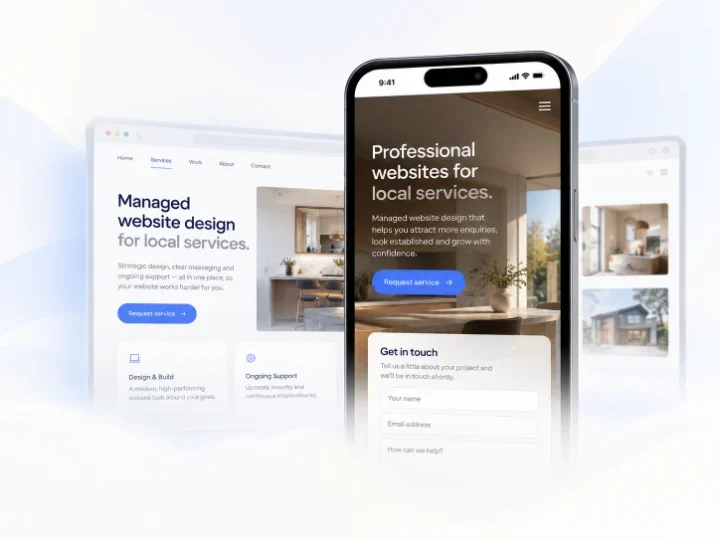
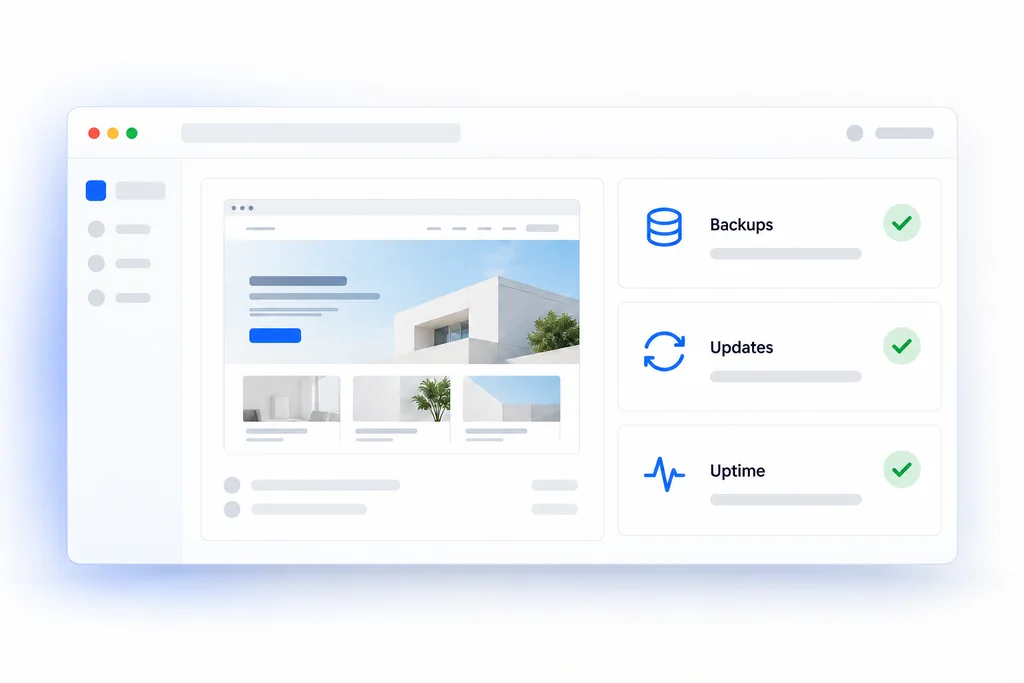
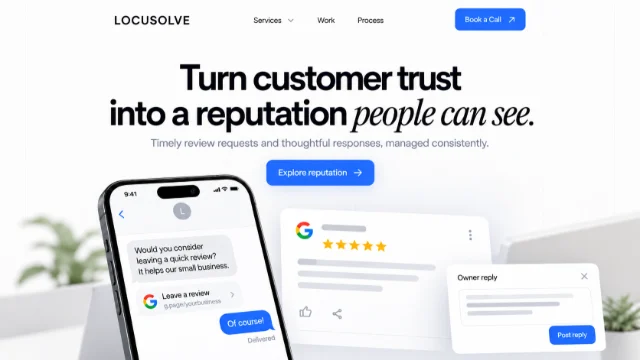
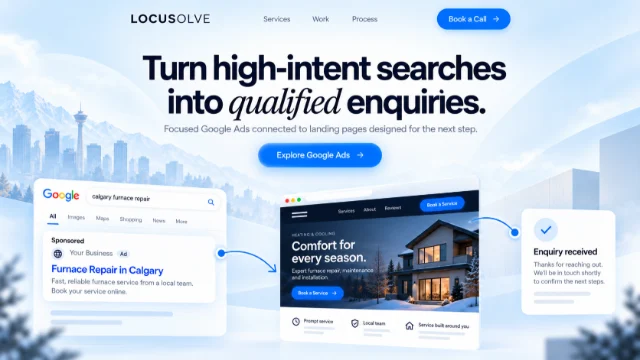
The checker is free to use on its own. If your website struggles on phones, these are the services closest to it.


LOCUSOLVE
Your website should work as well on a phone as it does on a desktop.
Book a free consultation and we will look at your website on phones, tablets and computers with you, then suggest a sensible first step.